


Printable Paper & Handwriting Worksheets
Two generators in one site: design any printable paper, or turn a name, word list or sentence into a handwriting worksheet. Everything is made in your browser, with no sign-up.
- Free, no watermark
- Made in your browser
- Letter & A4 · PDF or print
- 17paper tools
- 97worksheet pages
- 3languages

Printable paper
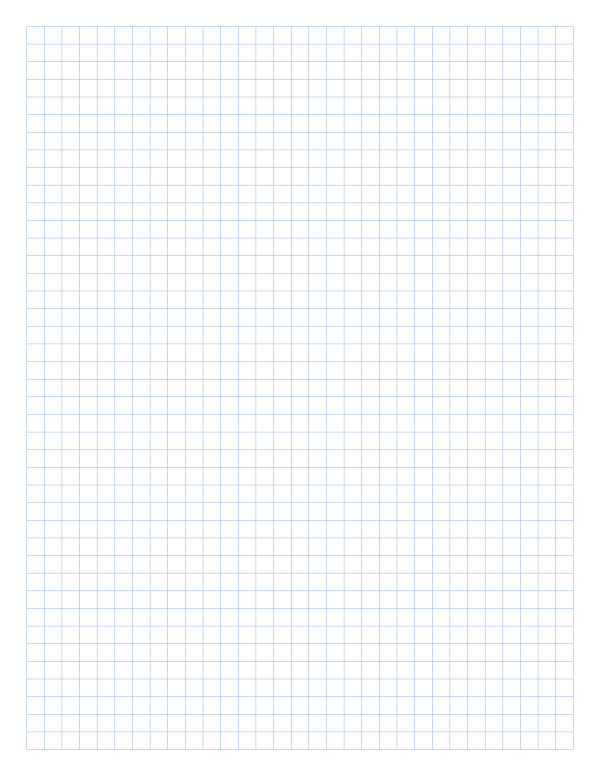
Lined, graph, dot grid, isometric, music, Cornell notes and more — every template is adjustable and ready to print.
Grids
6Math
5Writing
1Music
1Study
2Print tools
2Handwriting worksheets
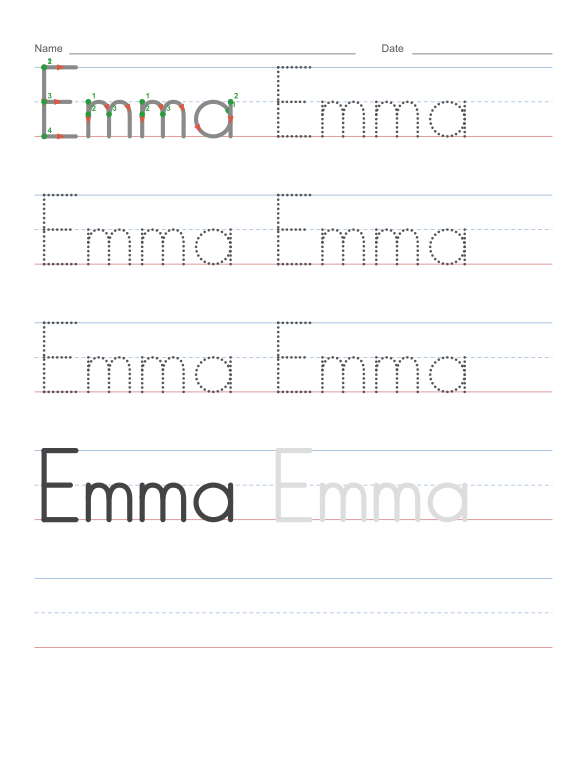
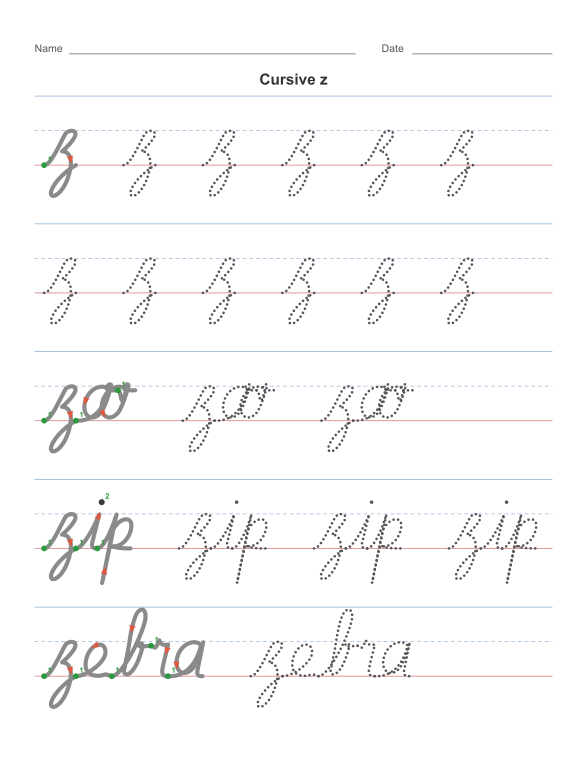
Name tracing, letters, numbers, cursive, sight words and handwriting paper. Type your own text and print a worksheet with stroke-order guides.
Tracing
6- Handwriting worksheets Tracing, cursive, reading and math
- Name tracing Type a name, print a practice sheet
- Letter tracing Alphabet A to Z or one letter at a time
- Number tracing Numbers 0 to 20 with stroke order
- Word tracing Spelling and sight words to trace
- Handwriting paper Blank lines with a dashed midline
Math
4Cursive
2Reading
2Tips for printing paper
- Choose Actual size or 100% in the print dialog. “Fit to page” shrinks the lines.
- Keep a margin of at least 5 mm; most printers cannot print right to the edge.
- Light gray or pale blue lines save ink and look like real notebook paper.
Tips for handwriting practice
- Start with the green dot and follow the stroke numbers on the model letter.
- Begin with the large letter size, then move down as the child gains control.
- Slip the sheet into a plastic sleeve and use a dry-erase pen to practise the same page again.
Frequently asked questions
Is this printable paper free?
Yes. Every template and generator is free for personal, classroom and business use, with no sign-up and no watermark.
Can I print on A4 as well as Letter?
Yes. Every generator supports Letter, A4, Legal, Tabloid, A3 and A5, in portrait or landscape.
How do I make sure the lines print at the right size?
Print at “Actual size” or 100% scale. Turn on the ruler check mark in a generator to print a 1 inch or 20 mm reference line you can measure.
Are my files uploaded anywhere?
No. Pages and PDFs are created in your browser. Even the block poster maker processes your picture on your own device.
Which paper should I use for math?
Use graph paper with 1/4 inch or 5 mm squares for most math. For engineering and physics, engineering paper with 5 squares per inch is standard.
Are the handwriting worksheets free?
Yes. Name tracing, letter, number, cursive and sight-word worksheets are free for home and classroom use, with no sign-up and no watermark.
What handwriting style do the worksheets teach?
The print worksheets use upright ball-and-stick manuscript, the style most US preschools and kindergartens teach first. The cursive pages use a traditional American cursive with joining strokes between letters.
Do I need an account to print?
No. There is no sign-up, no email and no checkout. Open a generator, set the options and print or download the PDF immediately.
Can teachers print these for a whole class?
Yes. Every page may be printed for a class, a homeschool group or a therapy session. Print as many copies as you need; there is no per-page limit.
Can I use the PDFs in products I sell?
Yes. The paper and worksheet pages are free for personal, classroom and commercial use. Do not resell the generator itself or claim the templates as your own.
What can I print on this site?
Two libraries in one place: 17 printable paper tools (lined, graph, dot grid, music, engineering and more) and 97 handwriting worksheet pages (name tracing, letters, numbers, cursive, sight words and charts).
Which handwriting worksheet should I start with?
Start with name tracing for ages 3–5, then letter tracing and number tracing. Move to cursive once print letters are secure, usually around grade 2–3.
Can I enter my own name or word list?
Yes. The name tracing, word tracing, CVC and sight-word generators accept your own text and turn it into a printable page.
Do the PDFs have a watermark?
No. The PDFs and PNGs contain no watermark, logo or footer ad. The only branding is on the website itself.
Does it work on a phone or tablet?
Yes. The generators run in a mobile browser. Printing works through the browser’s print dialog or by sending the PDF to a computer or print service.
What paper weight should I use?
Ordinary 80–100 g/m² paper works for most pages. Use 90 g/m² or heavier for fountain pens, brush pens and sheets that will be erased and reused.
How do I print a poster larger than my printer?
Use the block poster maker to split one image across Letter or A4 pages, then print, trim and tape the tiles into a large poster.